 Net Engine
Your whole network toolkit,
running on your machine.
One desktop console for real network work — scanner, terminal, SSH, file transfer, API console, live monitor, and AI automation. Local-first, private, no accounts, no cloud.
(runs fully offline with Ollama — or plug in OpenAI and Groq when you feel like borrowing someone else's GPUs.)
From discovery to action in one place.
The screenshots are the real app: scanner, shell, and transfer workflows built for fast network work without tool-hopping.
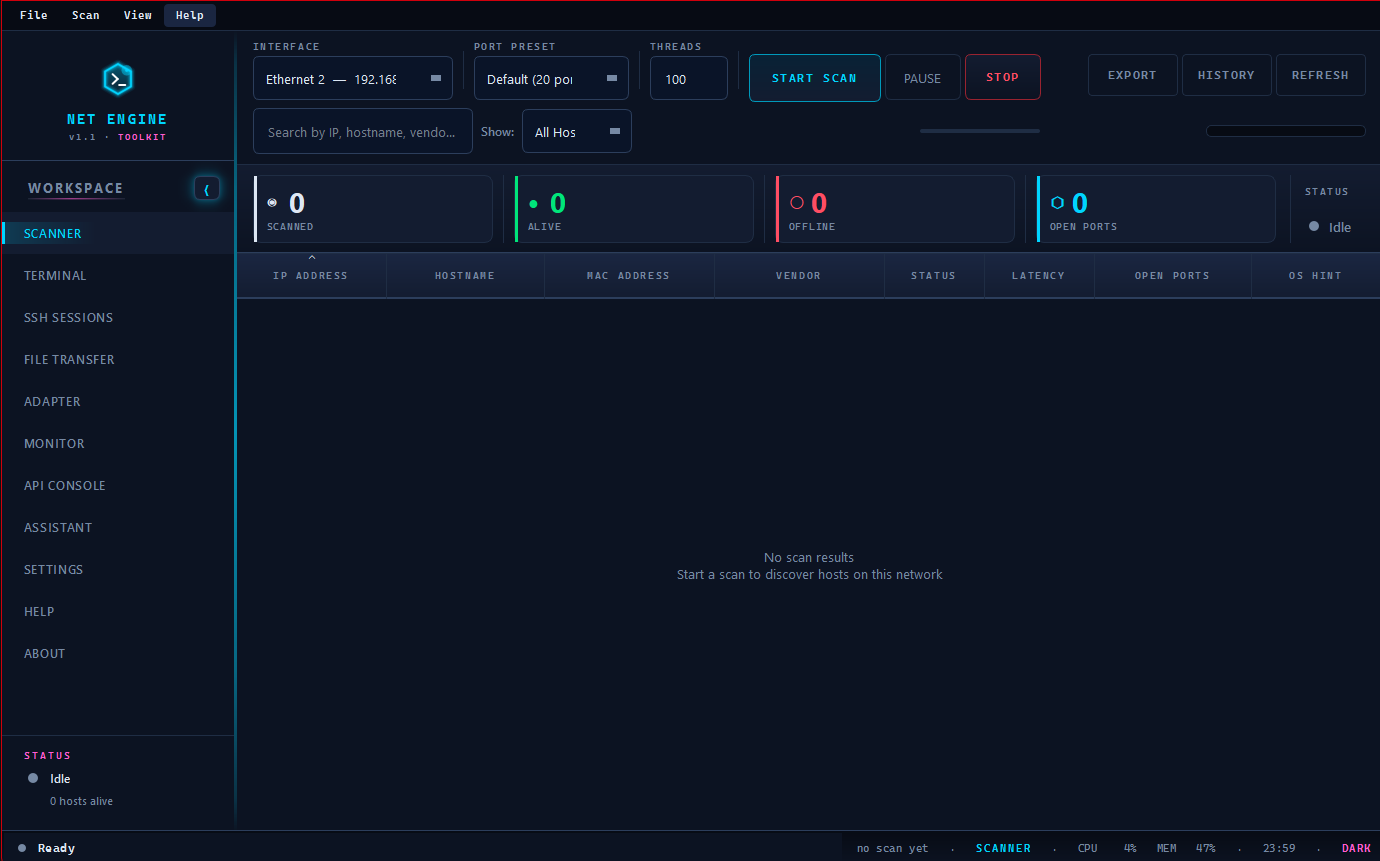
See the network before you touch it.
Run a live subnet sweep and turn a messy LAN into a clear action list: hosts, vendors, latency, reachability, and ports in one focused table.
- Live host discovery with vendor and latency detail
- Open-port checks without leaving the scanner
- Results stay local, ready for terminal, SSH, or transfer work
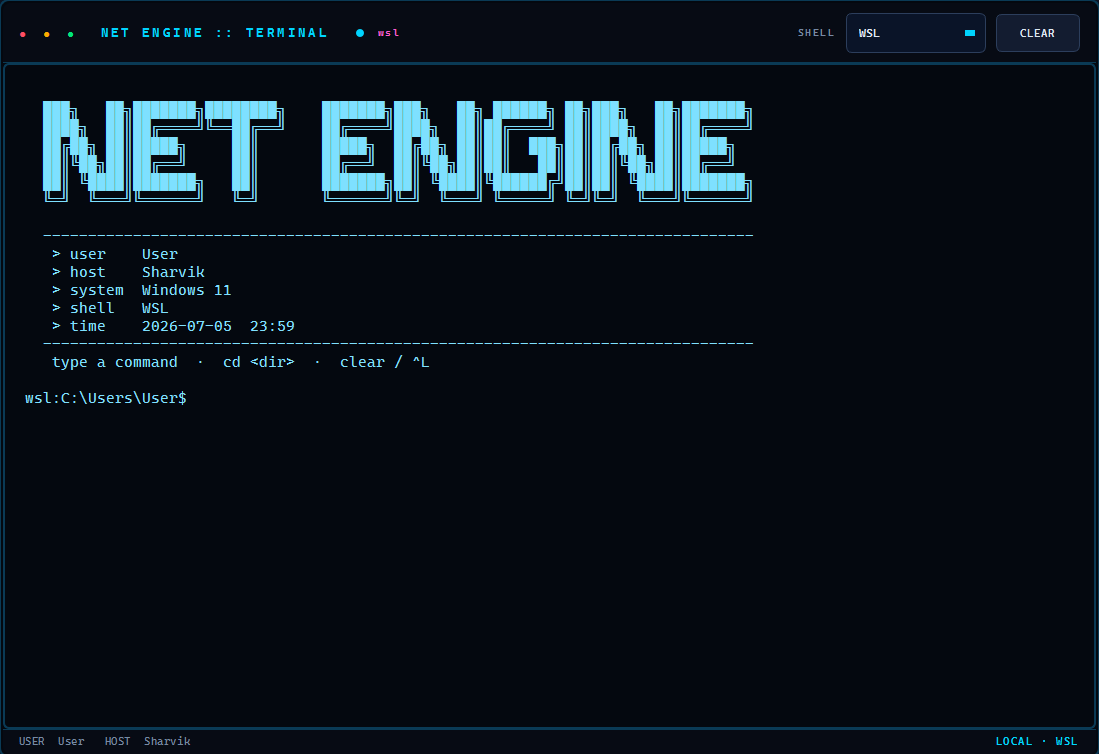
Drop into the right shell instantly.
PowerShell, CMD, WSL, or bash is always one click away. Keep command history, shortcuts, and AI-suggested commands beside the network context that matters.
- Selectable shell backend per session
- Command history, Ctrl+C, Ctrl+L, cd, and clear
- Insert local AI suggestions without auto-running them
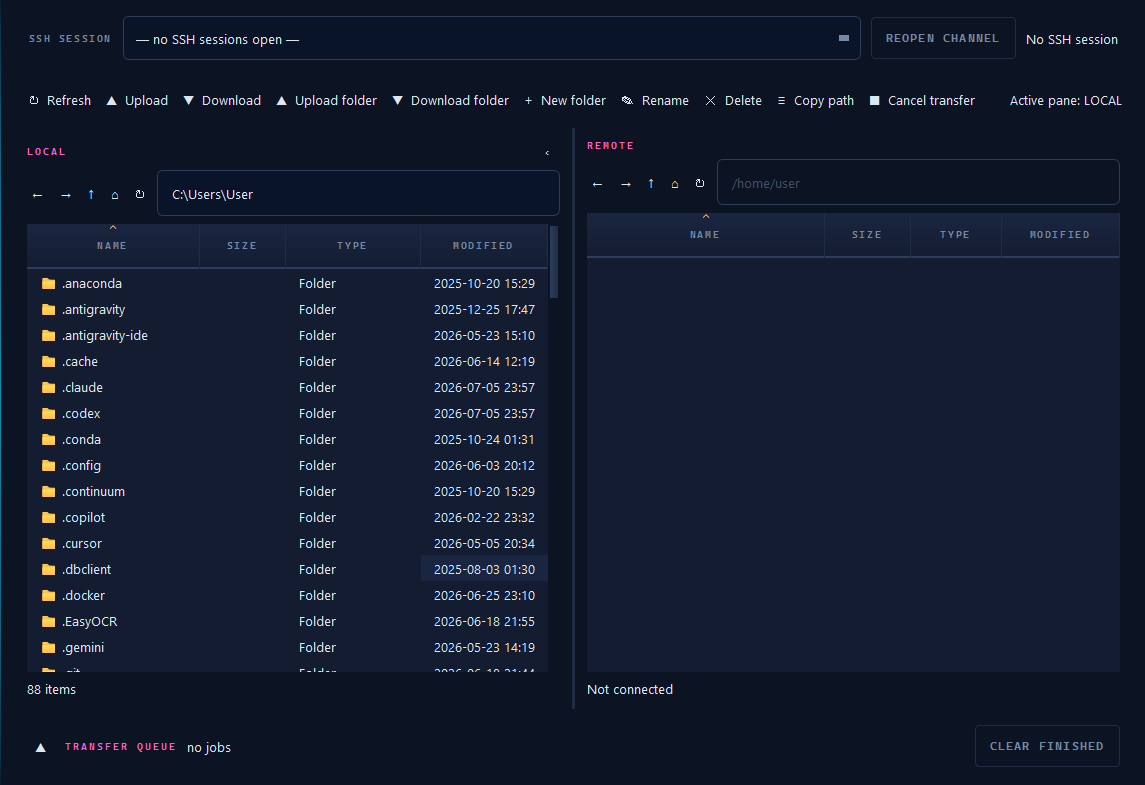
Move files without losing the thread.
A dual-pane SFTP browser connects to your open SSH sessions, so upload, download, rename, and organize work happens inside the same console.
- Dual panes with full folder upload and download
- Rename, delete, copy path, and create folders inline
- Live transfer queue with per-job progress
Eight tools. Zero context switching.
Everything a network job needs, behind one keyboard-driven sidebar.
01 Network scanner
Find live hosts, vendors, latency, and open ports before you pick the next move.
02 Embedded terminal
PowerShell, CMD, WSL, or bash in the same workspace as the machine you are fixing.
03 SSH sessions
Multi-tab SSH with saved profiles, persistent scrollback, and one-click reconnect.
04 File transfer
Dual-pane SFTP with a live transfer queue, wired directly to your sessions.
05 Adapter control
Inspect interfaces and switch DHCP to static with saved, named profiles.
06 Live monitor
Continuous ping, packet loss, and latency signals you can read at a glance.
07 API console
Probe endpoints with methods, auth, headers, JSON bodies, and saved requests.
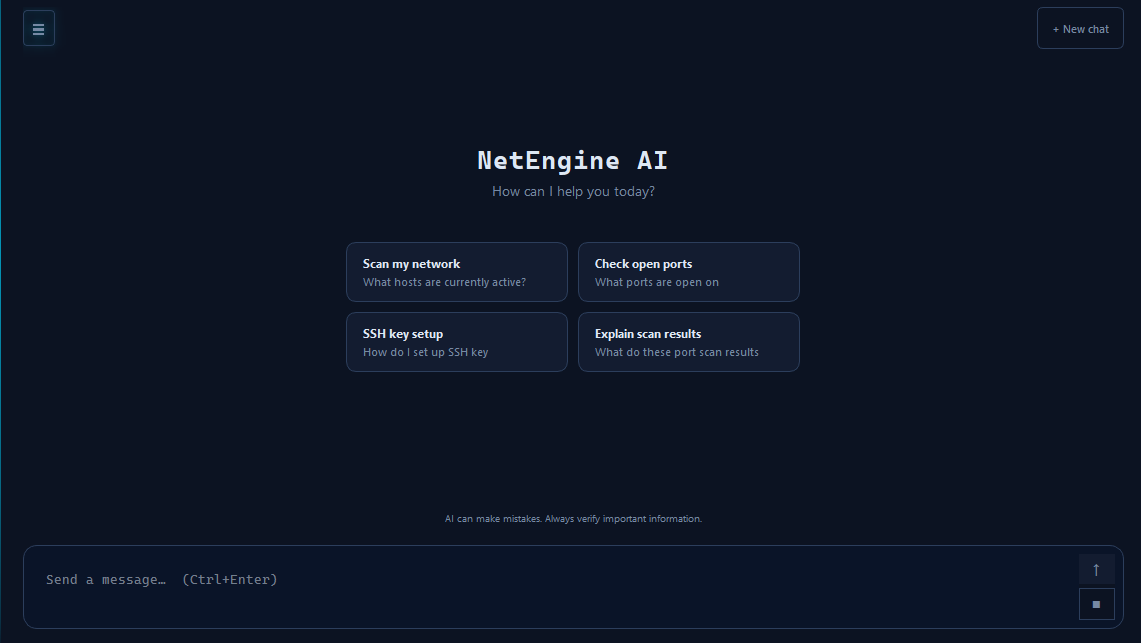
08 AI assistant
Automate approved tasks, explain results, and choose Ollama, OpenAI, or Groq as the model backend.
Let AI run the busywork
while you stay in control.
Ask for the next diagnostic step, generate a command, or let the assistant run approved tasks for you. Use Ollama locally on localhost:11434, or plug in OpenAI and Groq when you want hosted models.
- Automate approved checks, commands, and repeatable network tasks
- Run fully local with Ollama, or connect OpenAI and Groq API keys
- Plain English becomes a reviewed action plan before anything runs
- Chat about scan output, SSH sessions, API calls, or transfer work
Make the console feel like yours.
Pick the workspace that keeps you sharp: low-glare dark, high-voltage neon, clean light, or a retro terminal glow. One switch, every panel follows.
Dark
Deep navy, crisp cyan, built for long sessions.
Neon
High-saturation focus on a black workspace.
Space
Violet depth with softer night-shift contrast.
Liquid Glass
Frosted panels with a clean technical edge.
Light
A bright WinSCP-style workspace for daytime work.
OG Black
Pure black, maximum contrast, minimum noise.
Retro Terminal
Green phosphor glow for classic terminal focus.
Context that follows every move.
Activity, tool state, system load, and time stay visible along the bottom of every screen, so deep work never loses its place.

Scans, monitors, and transfers are visible while you work.
The tool you are in stays clear, even during deep sessions.
Live CPU and memory are sampled continuously.
Clock and active theme are always one glance away.
Download once. Keep it in your toolkit.
Grab the native build for your desktop, or run from source in about a minute. No account wall, no hosted service, no subscription.
# run from source - any platform, Python 3.10+$ git clone https://github.com/SharvikS/NetEngine.git$ cd NetEngine && pip install -r requirements.txt$ python main.py
Stop switching tools.Start closing tickets.
Net Engine gives you the scanner, shell, transfer queue, monitor, API console, and AI automation layer in one private desktop console.